Mood-O-Meter

The Mood-o-meter has three operating modes:

  • Manual mode: Only requires power through the USB cable and you are able to change the mood by twisting the knob on the side.
  • PC controlled mode: You can change the mood by using a little program on the PC. You also have a possibility to put it into a “meeting” (pulsating red-green LED) and an “away” -mode (white LED).
  • Azure/Teams controlled mode: The “meeting” and “away” -modes are set automatically based on your Teams -status.

Hardware:

  • Arduino Nano
  • 10mm RGB LED
  • 1.44” OLED screen
  • 10k Potentiometer
  • Self-designed and printed enclosure

How does it communicated with a PC? It doesn’t. The PC is simply sending serial signals to it which the Arduino interprets and changes the mood/status accordingly. The “PC controlled mode” signal is sent through a powershell script, which in turn has a simple winforms program as an UI. The “Azure/Teams” controlled mode runs on the background as a service. Which ever of these three inputs has given the latest signal wins. Only exception is that the “meeting” and “away” -statuses can be reset and the mood returns to the latest one before the status went active.

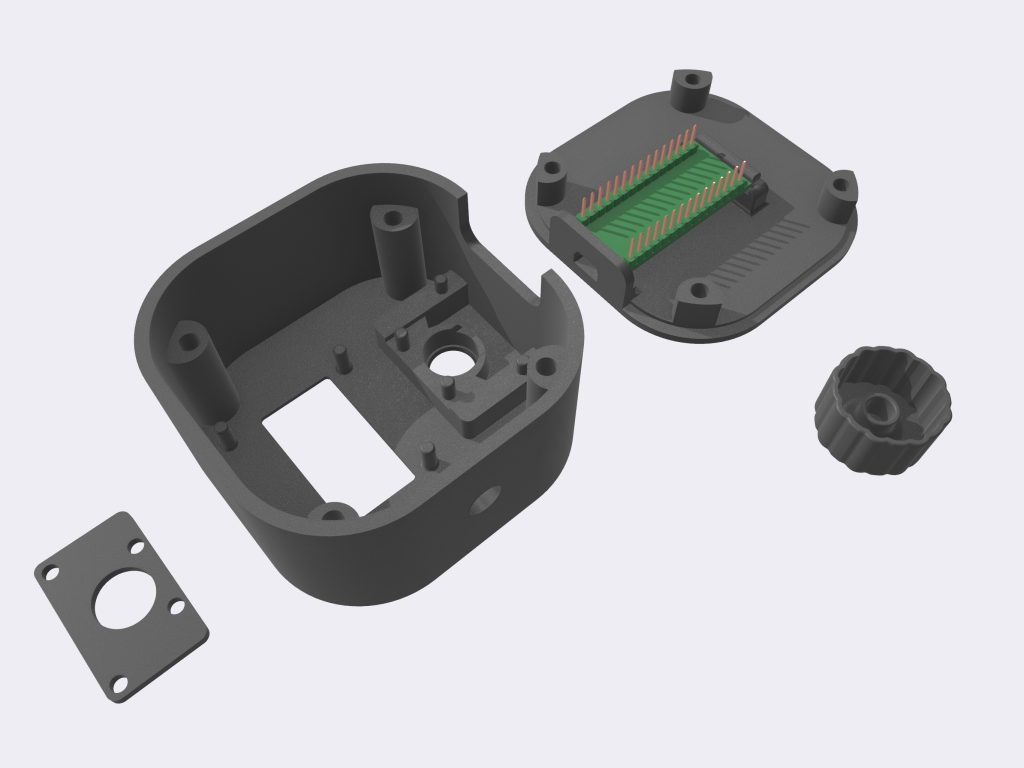
Enclosure: The enclosure is 3D printed. It is held together by 3mm x 7mm magnets.

Is it useful? Absolutely not, but people are very interested about it

(My work initials are hidden for privacy reasons)
The 10 different moods.
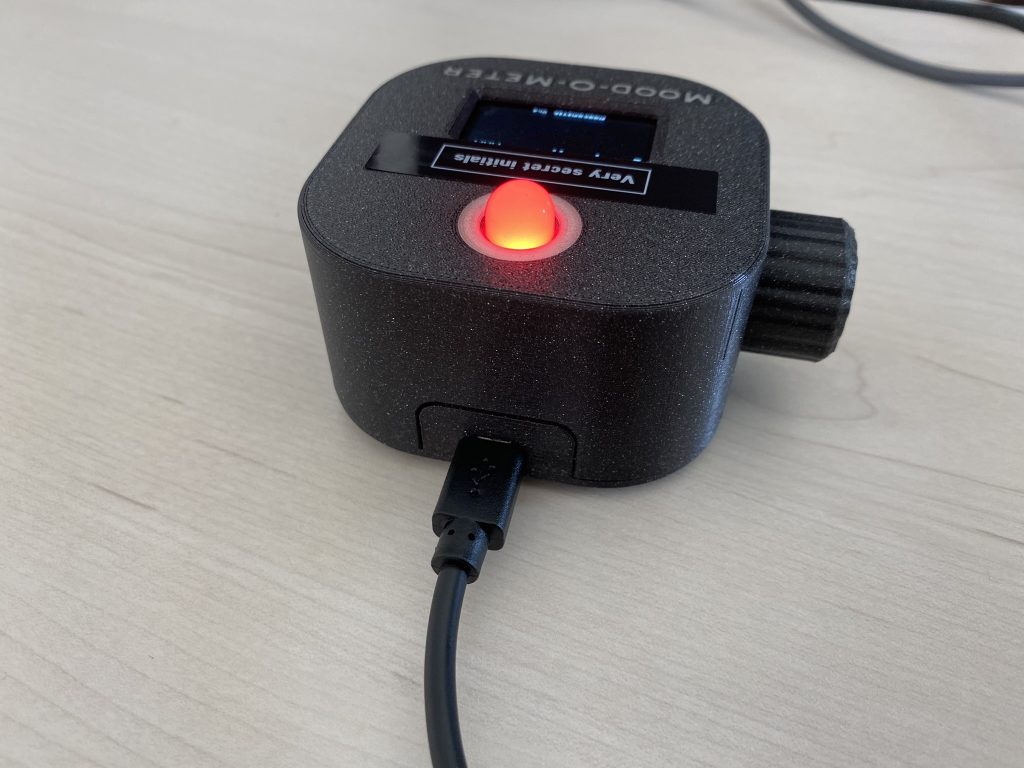
The Mood-O-Meter is powered by an USB cable. It is also used for serial connection for the computer in program/Azure API controlled mode.
3D model.
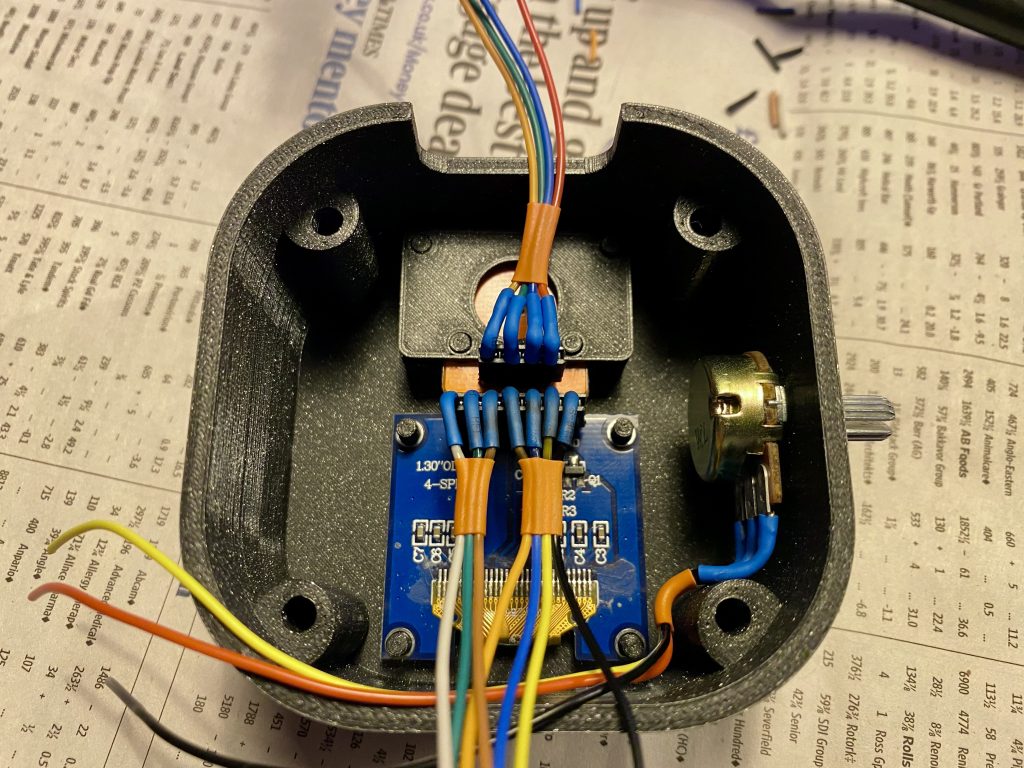
I made miniature wire harnesses for the components.
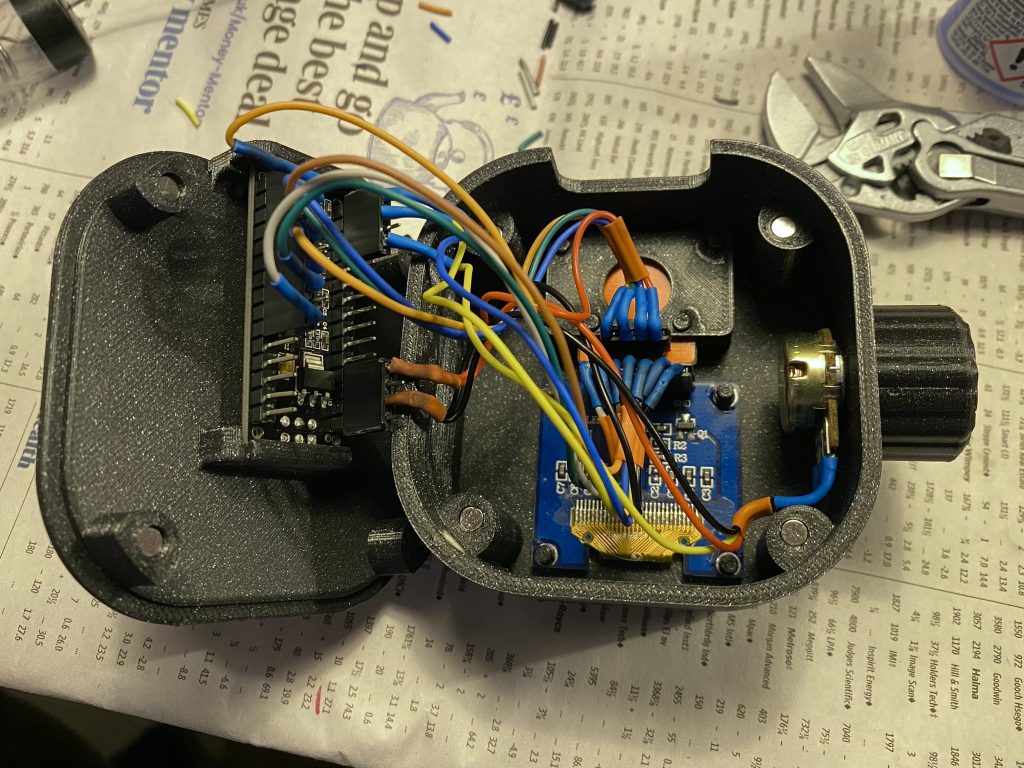
The enclosure is easy to open as it is held together by magnets.
The text is printed on the enclosure.

More projects:

Visual Portfolio, Posts & Image Gallery for WordPress

Wooden Name Plaques

I’m working on the triple bunk bed I designed nearly a year ago and I thought that it required some personal touch. I designed name plaques for the kids, made from two layers of 10-ply 5mm birch plywood. The rear plate has the design + the “holes” of the letters,…

Silfer Works keyring

I had some stickers made with my logo. Why, you ask? Because it’s fun! I decided to turn it into a keychain that can hang from my computer bag. It is a very simple design; I just traced the sticker into a backing plate with low walls to frame and…

Bandolier -style crossbody bag

After making my first leather project, the unnecessary case for my AirPods, I decided that it was time to go big! I’m not a big fan of carrying all my stuff in my pockets, so I often carry a crossbody fanny bag where I can keep my wallet, keys, phone,…

This website uses very few cookies, but cookies nevertheless. By continuing to use this site, you accept the use of cookies.